Start with a known readable image
Try the clear sample. If it works but your image does not, check resolution, missing edges, and the blank border. If the sample also fails, reload or update your browser and report its version and reproduction steps through Contact. Decoded links never open automatically; the scanner does not check whether destinations are safe.
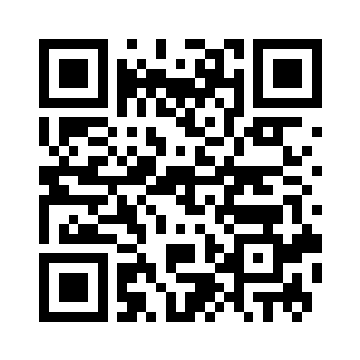
Clear image
360 × 360 px · 2096 bytes
Reference decode: matches input
Try this image → · Download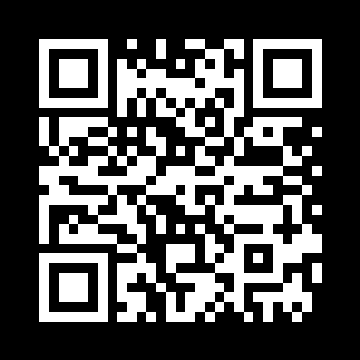
Inverted colors
360 × 360 px · 2093 bytes
Reference decode: matches input
Try this image → · Download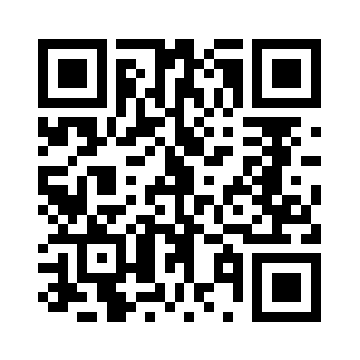
Rotated 90 degrees
360 × 360 px · 2079 bytes
Reference decode: matches input
Try this image → · Download
Downscaled to 24 pixels
24 × 24 px · 295 bytes
Reference decode: not decoded
Try this image → · Download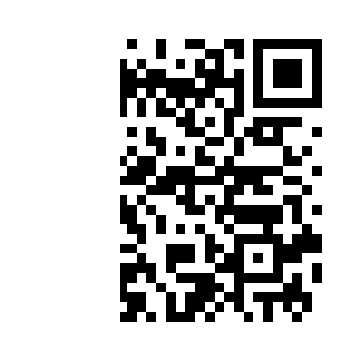
Left third removed
360 × 360 px · 1993 bytes
Reference decode: not decoded
Try this image → · Download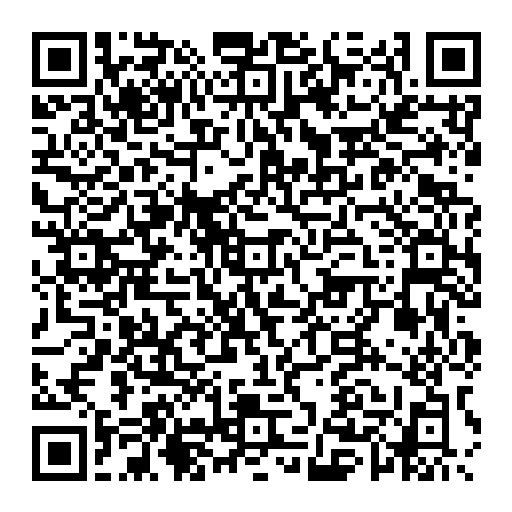
Fictional contact card
512 × 512 px · 4729 bytes
Reference decode: matches input
Try this image → · DownloadMethod and reuse
On 2026-09-09, we read these six PNGs in Node Canvas using the shipped website decodeQr module. Clear, inverted, rotated, and fictional contact samples matched the original payloads; 24-pixel and cropped samples did not decode. This reference run is not a real-world success rate or phone camera compatibility test. All images are below the scanner's 1800-pixel resize boundary.
The first five encode https://omni-kit.com/qr/scanner; the contact is fictional. Download exact inputs and measured outputs · CC0 sample dedication. Reuse is allowed. Linking this guide helps readers reproduce the work but is not a condition of use.
Choose a fix from the failure
- Too few pixels: obtain the original PNG or a clear export. Enlarging the 24-pixel image cannot restore lost detail.
- Missing edges: retain the whole code and blank border. Use image crop to remove irrelevant areas without cutting into the symbol.
- Small code inside a large screenshot: the scanner reduces the longest side to 1800 pixels. Crop around the code with its border intact before retrying.
- Glare, blur, or perspective: retake the photo straight on with even light. The rotation sample verifies only a 90-degree turn, not arbitrary perspective or glare.
- Clipboard fails: allow the paste button to read clipboard images, or choose/drag PNG, JPG, or WebP up to 20 MB.
Choose the right next tool
This page decodes a QR code from one image, not multiple codes in a batch. For ordinary picture text use OCR; to create codes from a list use batch generation; for contacts use the vCard generator.