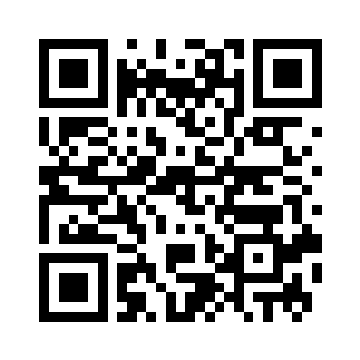
Clear image
360 × 360 px · 2096 bytes
Reference decode: matches input
Try this image → · DownloadRead QR images locally; review links first.
Use a clear image with all four edges of the QR code visible.
PNG, JPG, or WebP · up to 20 MB
Choose, drag or paste PNG, JPG or WebP. The decoded result appears before you choose whether to open a link. View source
The 2026-09-09 Node Canvas run decoded the original, inverted, rotated and vCard samples. These fixed examples do not measure success on arbitrary images. View source
The reduced image and the sample missing its left third did not decode. Try an original image with the complete code and surrounding border. View source
Checked 2026-10-19. Competitor details come from the linked tool pages; consult those pages for current settings, limits and plans.
| Tool | Input modes | Published formats / examples | Source |
|---|---|---|---|
| OmniKit | Choose, drag or paste an image | PNG / JPG / WebP; 6 downloadable reference samples | View source · OmniKit |
| ScanQR.org | Image or webcam | PNG / JPG / WebP / GIF / BMP | View source · ScanQR.org |
Use the links below to run each image in the scanner above. These reference results do not guarantee that arbitrary images will decode.
360 × 360 px · 2096 bytes
Reference decode: matches input
Try this image → · Download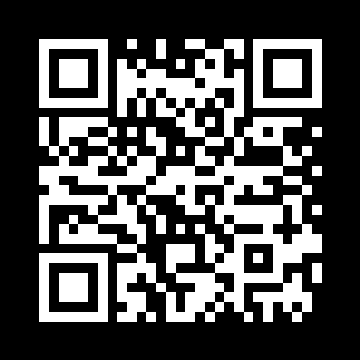
360 × 360 px · 2093 bytes
Reference decode: matches input
Try this image → · Download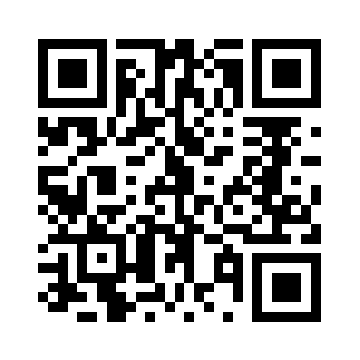
360 × 360 px · 2079 bytes
Reference decode: matches input
Try this image → · Download
24 × 24 px · 295 bytes
Reference decode: not decoded
Try this image → · Download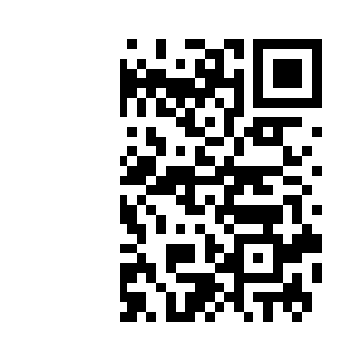
360 × 360 px · 1993 bytes
Reference decode: not decoded
Try this image → · Download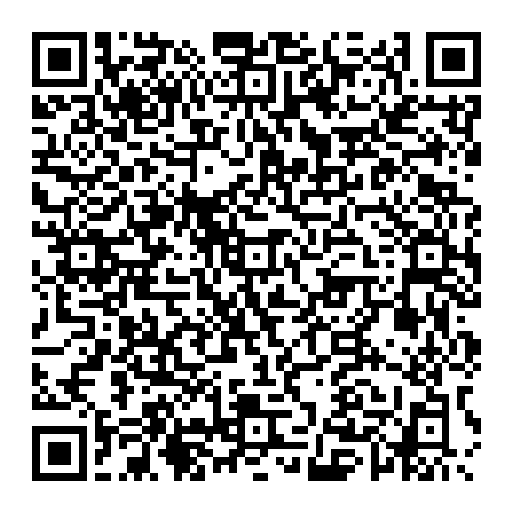
512 × 512 px · 4729 bytes
Reference decode: matches input
Try this image → · DownloadChoose, drag or paste a PNG, JPG or WebP image up to 20 MB.
The result appears first. Open Link requires your action.
Missing modules or limited resolution can prevent decoding. Use the original.